
Many ways to Paste
Paste multiple items in the order you choose. Keep the original formatting or switch to plain text.

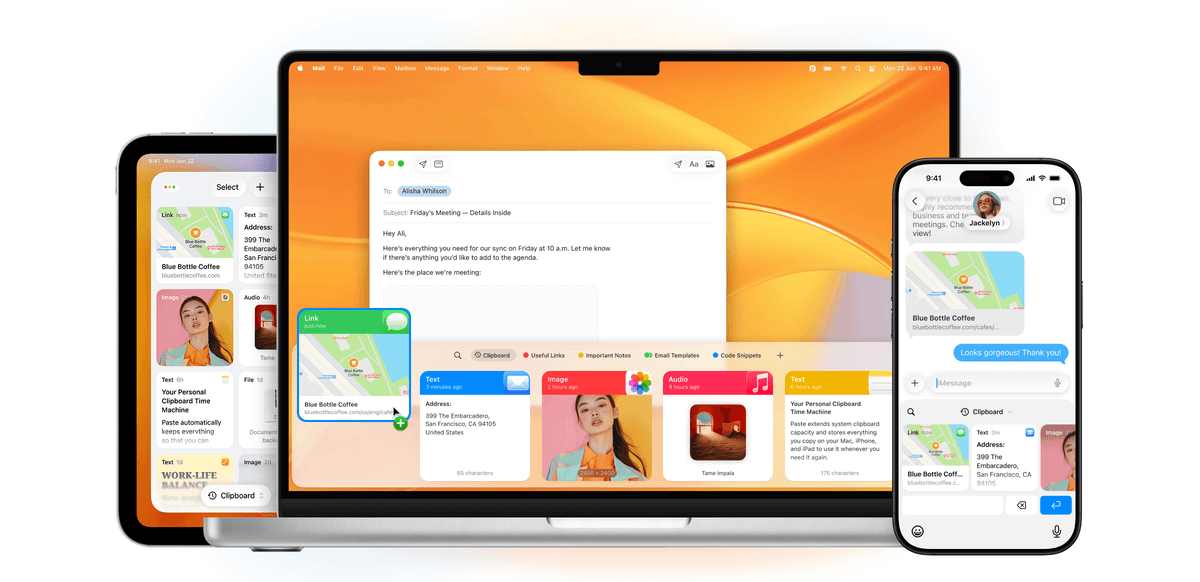
ZeroPaste keeps everything you copy organized and searchable. Lightweight, intuitive, packed with smart features, and private by design.
Try for free


Paste multiple items in the order you choose. Keep the original formatting or switch to plain text.

Choose what to keep and what to exclude. Specify rules for apps with sensitive data like passwords.

Preview your links, images, and files. Edit your copied text without leaving Paste.
Paste multiple items in the order you choose. Keep the original formatting or switch to plain text.
Choose what to keep and what to exclude. Specify rules for apps with sensitive data like passwords.
Preview your links, images, and files. Edit your copied text without leaving Paste.

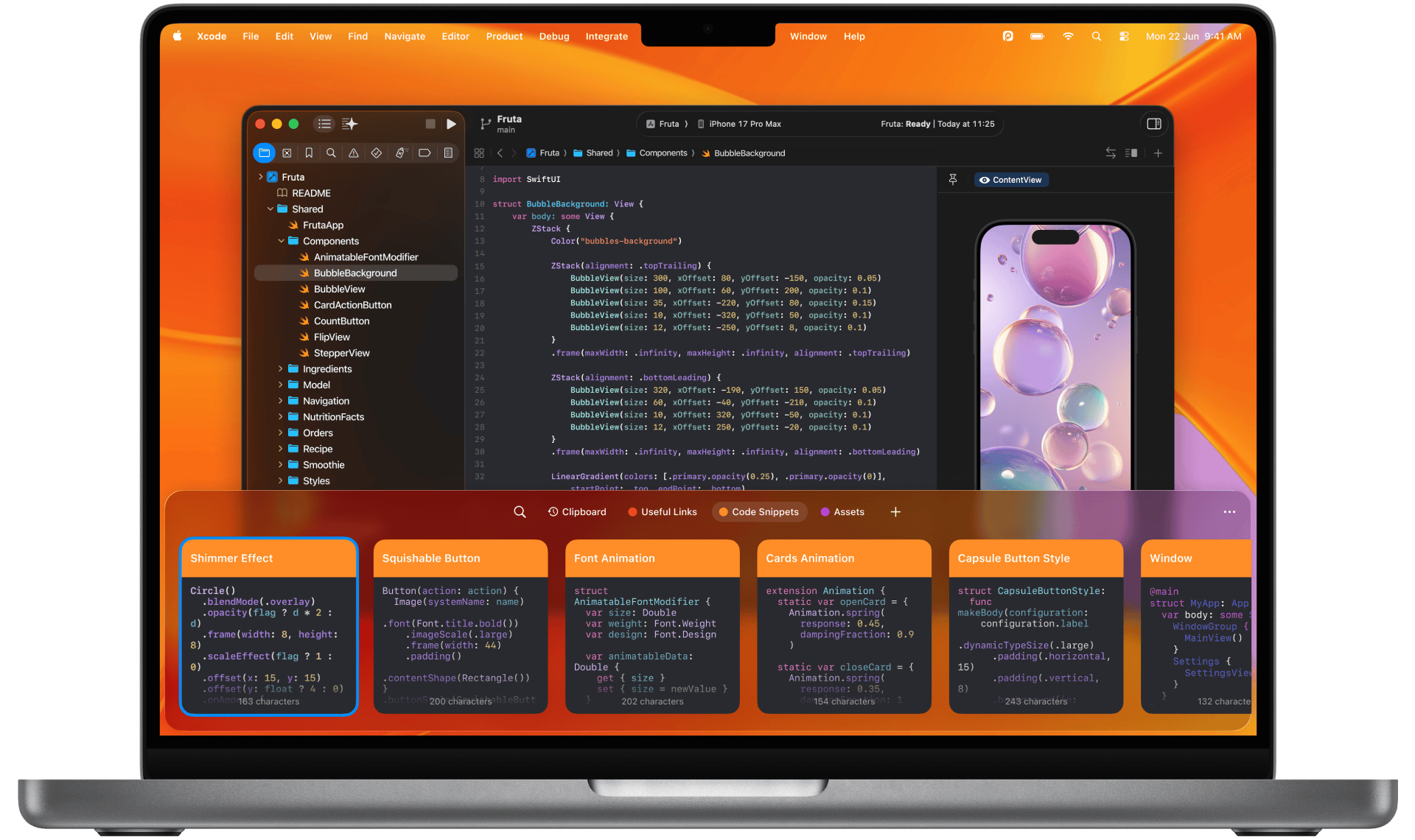
Whether you do it for work or just for fun,do it faster with Paste.

Copy a code snippet from Stack Overflow, then copy another without overwriting the first. With Paste, all your code snippets are saved and neatly organized.

Just as any great artist keeps their palette close at hand, Paste enables you to quickly retrieve colors, icons, styles, and other assets whenever you need them.

Never lose a chunk of text you forgot to paste back. Save creative taglines, SEO keywords, and anything else that aids your process. Say more with Paste.

Store email templates and canned replies, and quickly access your most-used messages with a single keyboard shortcut in any app.
ZeroPaste is free forever. Donations keep development going — send crypto, or just say hello.
Send any amount to one of these wallets. Tap an address to copy it.
Prefer another way to donate, or just want to chat? Reach out.